
How do I add/remove a URL under Whitelist?
Follow the below steps to add or remove URLs under the Whitelist option:
- Login to Dashboard
- Click on Accounts and then User Whitelist
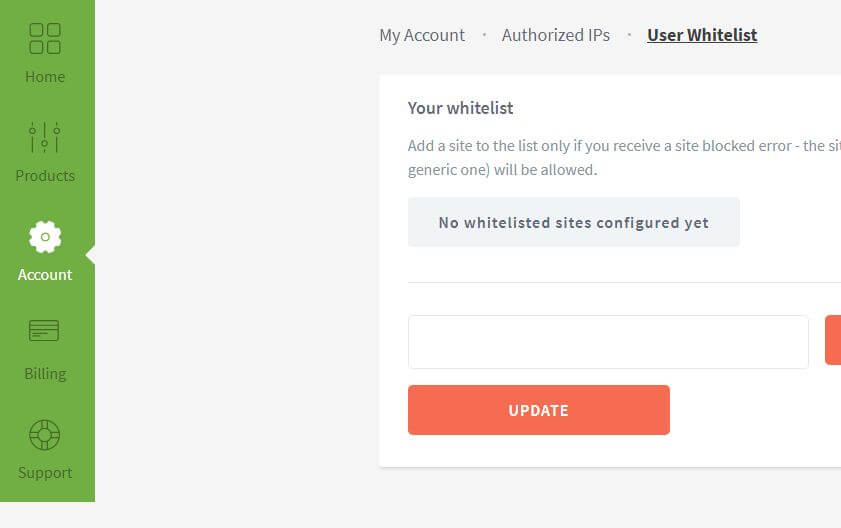
- Under “User Whitelistâ€, enter the website name that needs to be whitelisted and click on “Add to Listâ€
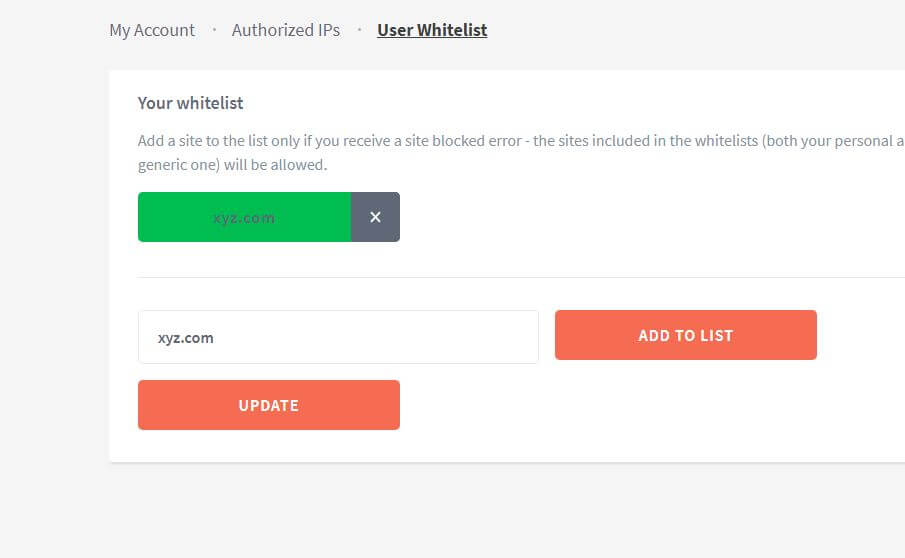
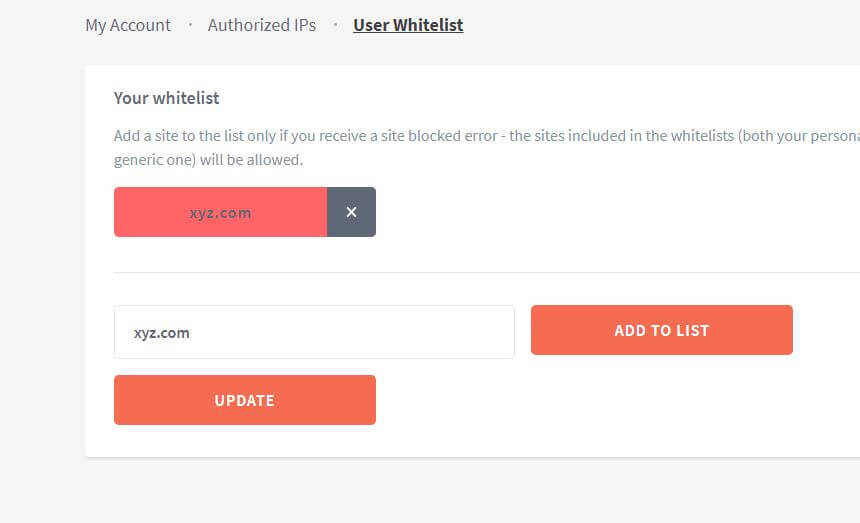
- To remove the website, click on the “x†sign and click on “Updateâ€
TL;DR
Last updated: March 2026. This tutorial for How do I add/remove a URL under Whitelist? is refreshed with practical validation steps for modern proxy workflows.
2026 Quick Checklist
- Confirm protocol/auth method before testing.
- Validate endpoint reachability and DNS resolution first.
- Start with one session and verify expected IP output.
- Scale gradually and monitor timeout/CAPTCHA behavior.
- Keep a rollback profile for failed config updates.